
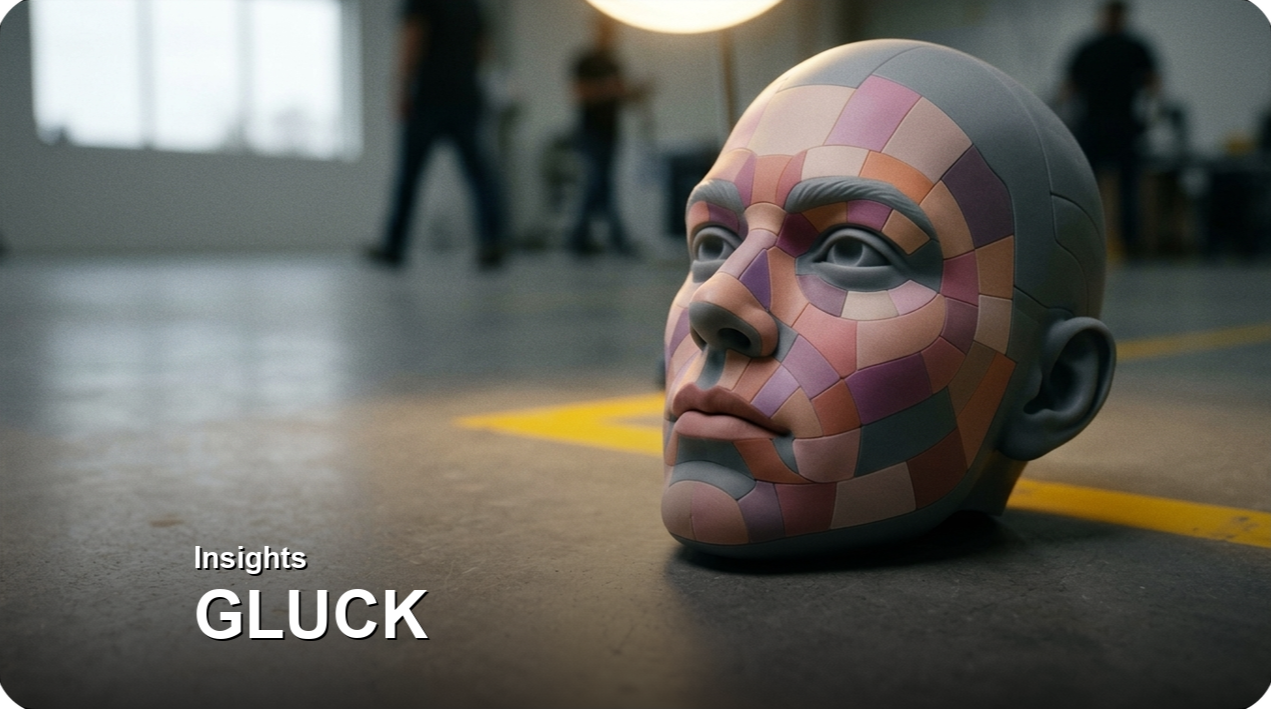
애니메이션 한 편을 만드는 데 캐릭터 얼굴이 몇 개나 필요할까요. 손으로 그리는 2D 애니메이션이라면 셀 수가 많겠지만, 실물 인형을 한 프레임씩 움직여 찍는 스톱모션은 사정이 다릅니다. 표정 하나하나를 물리적인 부품으로 만들어야 하기 때문입니다. 미국의 스톱모션 명가 LAIKA는 영화 한 편마다 정교한 얼굴을 수십만 개 단위로 3D프린팅합니다.
이 수량이 양산의 영역이라는 점이 중요합니다. LAIKA는 최근 프라하의 소프트웨어 개발사 Additive Appearance와 손잡고, PrismSlicer라는 렌더링 도구를 아티스트들의 작업 환경에 추가했습니다. 이 소프트웨어는 풀컬러 프린트를 실제로 출력하기 전에, 색과 투명도가 화면에서 어떻게 보일지를 미리 예측합니다. 흥미로운 건 신기한 미리보기 기술 자체가 아니라, 왜 수십만 개를 찍는 스튜디오가 '찍기 전에 보는 것'에 투자했는가입니다.
풀컬러 3D프린팅에는 오래된 골칫거리가 하나 있습니다. 화면에서 본 색이 실제 출력물과 다르게 나오는 경우가 잦고, 색이 어긋날 때마다 다시 한 번 프린트해야 한다는 점입니다. 얼굴을 수십만 개 찍는 스튜디오에서 이 재작업은 곧 생산 시간과 품질관리 비용으로 쌓입니다. 그렇다면 3D프린팅 오브제의 색상과 표면은 양산에 들어가기 전에 어떻게 미리 예측하고 관리할 수 있을까요? 제조 관점에서 짚어봅니다.
수십만 개의 얼굴, 색이 어긋나면 다시 찍는다
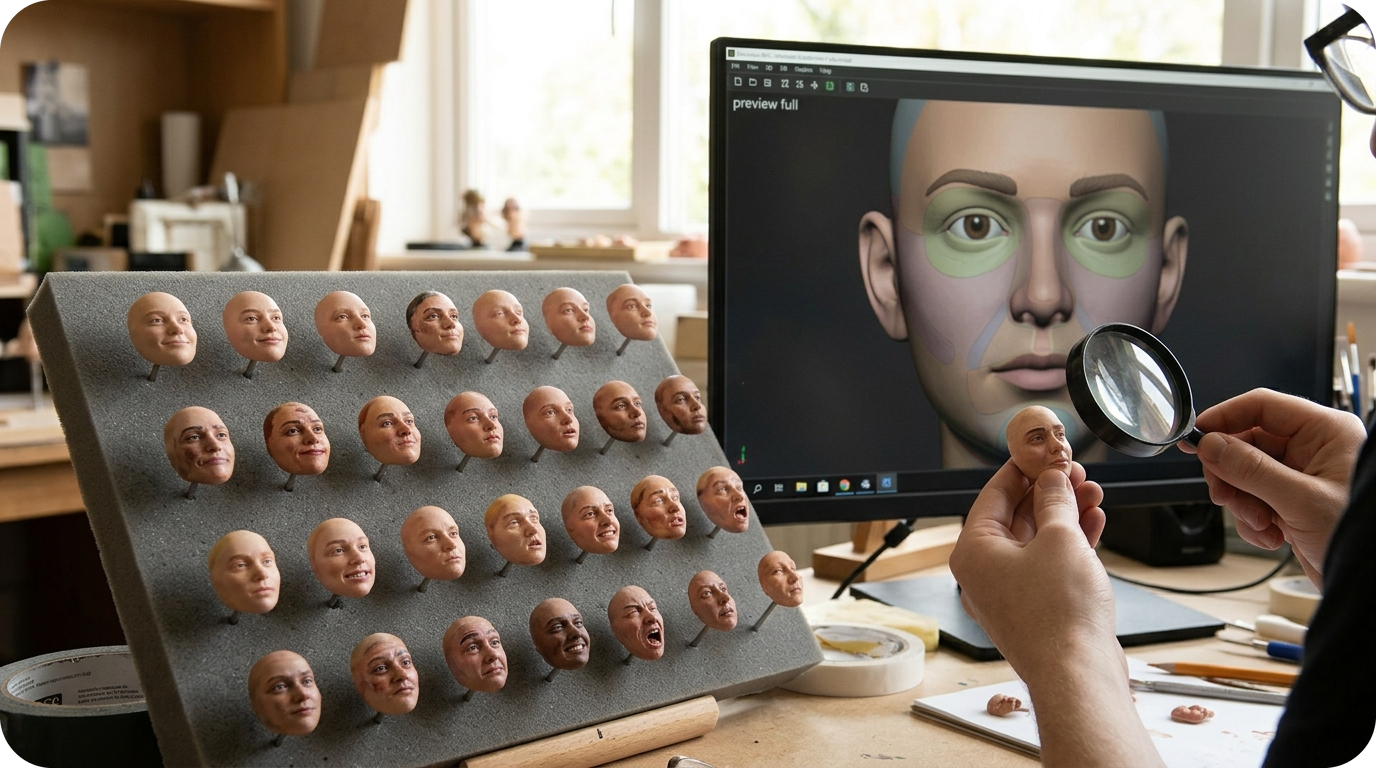
LAIKA가 풀컬러 프린팅의 색 정확도에 매달린 건 이번이 처음이 아닙니다. 영화 <미싱 링크>에서는 Stratasys J750 프린터와 프라운호퍼 연구소의 Cuttlefish 드라이버를 결합해 10만 6천여 개의 표정을 프린트했습니다. 당시 담당자는 이 선택의 이유로 소프트웨어의 색 일관성과 형상 정확도를 꼽았습니다.
여기서 반복 양산의 본질이 드러납니다. 한두 개라면 색이 안 맞을 때 눈으로 보정하며 다시 만들면 됩니다. 하지만 수십만 개를 같은 기준으로 찍어야 한다면, 색이 어긋나는 순간 재작업이 그 수량만큼 늘어납니다. 기존 방식으로 이 문제를 풀려면 출력물을 뽑아 보고, 색을 비교하고, 데이터를 고쳐 다시 뽑는 과정을 반복해야 했습니다. 문제는 이 과정이 얼굴 하나당 여러 차례 되풀이되면 생산 일정 전체를 밀어낸다는 점입니다.
- 재작업 비용의 누적: 색·표면이 어긋날 때마다 추가 프린트가 발생하고, 수량이 많을수록 이 손실은 선형이 아니라 눈덩이처럼 커집니다.
- 품질 기준의 사전 확정: 양산 전에 색·질감을 화면에서 확정하면, 생산에 들어간 뒤 발견하는 불량을 앞단에서 걸러낼 수 있습니다.
결국 색을 '찍은 다음' 확인하느냐, '찍기 전에' 확인하느냐의 차이입니다. 이 방식은 캐릭터 얼굴뿐 아니라, 색과 표면이 제품 가치를 좌우하는 모든 반복 양산 오브제에 그대로 적용될 수 있습니다.
'찍기 전에 보는 것'이 양산 품질관리인 이유
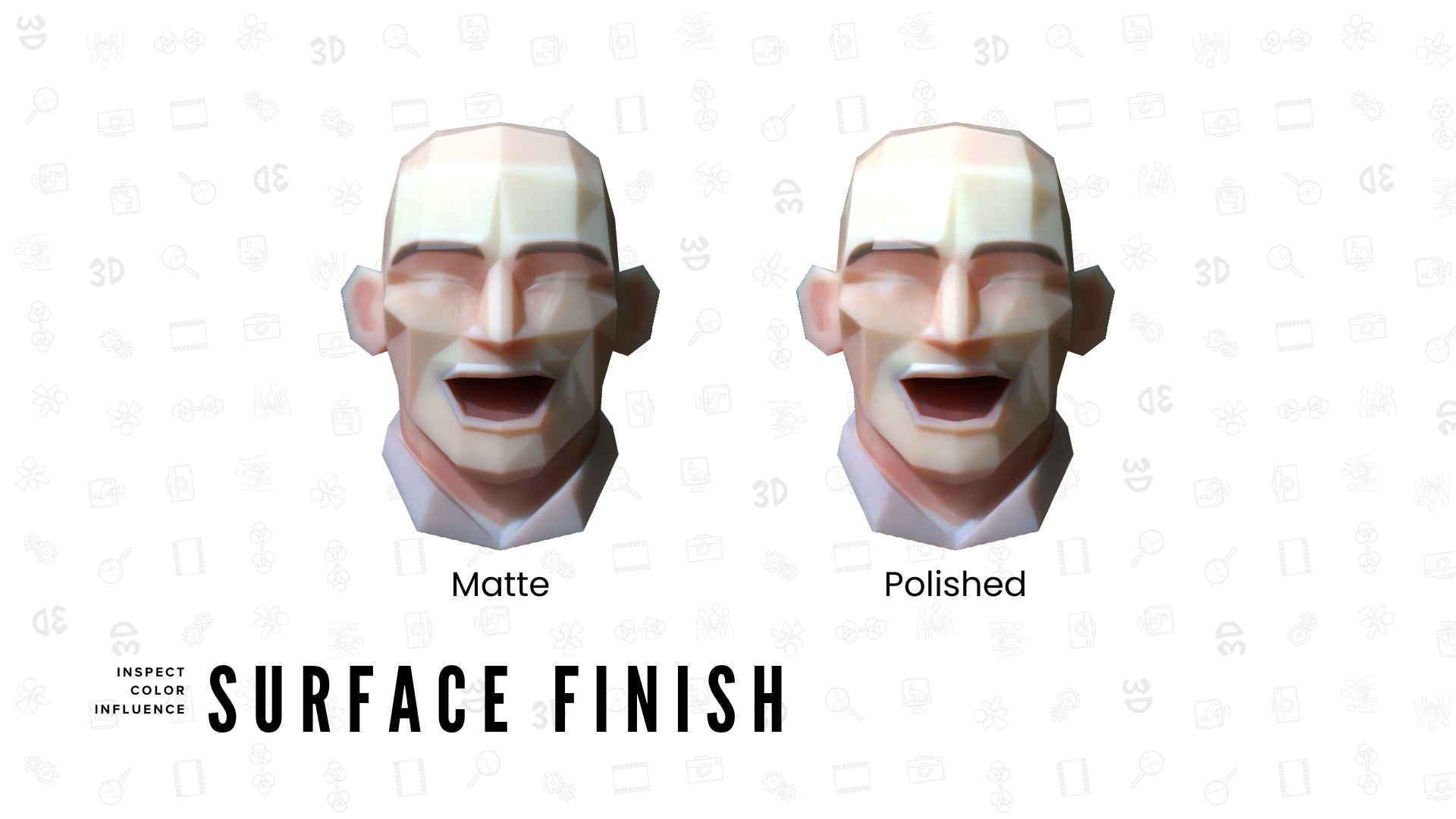
PrismSlicer는 출력 전에 모델의 색, 투명도, 표면의 느낌을 미리 보여줍니다. 특히 LAIKA 특유의 스튜디오 조명 환경까지 반영해 렌더링한다는 점이 핵심입니다. 같은 색이라도 조명에 따라 전혀 다르게 보이기 때문입니다. 아티스트 입장에서는 프린트 횟수를 줄이고, 더 빠르게 피드백을 받아 다음 작업으로 넘어갈 수 있습니다.
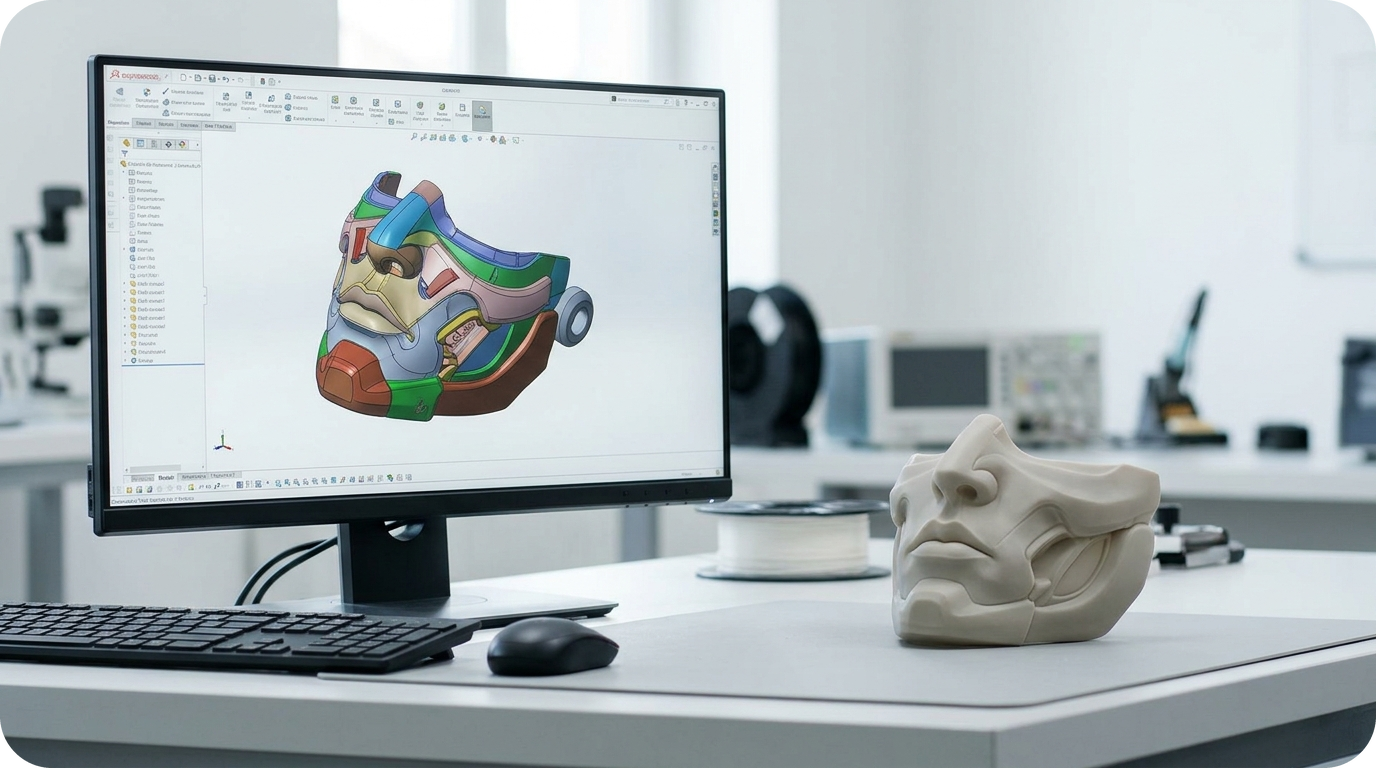
이것을 제조 언어로 옮기면 '양산 전 품질관리'가 됩니다. 색과 표면이라는, 원래는 출력물을 손에 쥐어야 판단할 수 있던 요소를 데이터 단계에서 먼저 확정하는 것입니다. Stratasys가 2019년에 PolyJet 프린터에 팬톤(Pantone·색상 표준 체계) 검증을 도입한 것도 같은 방향이었습니다. 디자이너가 공통 색상 팔레트에서 색을 고르게 해, 의도한 색과 출력된 색 사이의 거리를 좁히려는 시도였습니다.
접근 방식은 조금씩 다릅니다. 팬톤은 기준 색상표에 맞춰 색 선택을 표준화하는 쪽이고, PrismSlicer는 특정 모델이 출력됐을 때 어떻게 보일지를 렌더링해 보여주는 쪽입니다. 공통점은 분명합니다. 양산의 핵심은 '한 개를 잘 만드는 것'이 아니라 '수만 개를 같은 품질로 반복하는 것'이고, 그러려면 색·표면 기준을 생산 전에 못 박아야 한다는 것입니다.
색·질감이 중요한 오브제를 반복 양산할 때, 글룩의 SLA
이런 색·표면 일관성의 과제는 산업용 SLA 3D프린팅에서도 똑같이 중요합니다. SLA는 적층 결이 거의 보이지 않는 매끄러운 표면을 만들어내기 때문에, 색을 입히고 질감을 다룰 때 균일한 결과를 얻기 유리합니다. 글룩은 이 특성을 색과 질감이 제품 가치를 좌우하는 오브제 양산에 활용해 왔습니다. 국립중앙박물관·리움 굿즈처럼 형태와 마감이 곧 상품성인 오브제를 SLA로 반복 생산한 경험이 그 예입니다.
수치로 보면 글룩의 산업용 SLA는 300mm 기준 최대 ±0.05mm의 정밀도와 Ra 0.8 수준의 표면조도를 확보하며, 후가공을 거치면 사출품과 구별이 어려운 마감까지 구현합니다. 글룩은 45기의 산업용 SLA 장비를 365일 24시간 운용해 연간 23만 개 이상의 부품을 생산하고 있습니다. 금형이 없으므로 색·형상을 바꾸고 싶을 때 디지털 파일만 수정해 바로 다시 생산할 수 있어, 설계 변경이 잦은 다품종 반복 양산에 맞습니다.
다만 SLA가 모든 수량에서 정답인 것은 아닙니다. 색·형상이 고정된 동일 제품을 수십만 개 이상 찍는다면 금형을 만들어 사출하는 쪽이 개당 단가에서 앞섭니다. 반대로 형상이 다양하고 설계가 자주 바뀌며, 색·질감의 완성도가 상품성을 좌우하는 수백~수천 개 규모라면, 금형 없이 반복 양산하는 SLA가 현실적인 선택지가 됩니다. 수량 그 자체보다 '얼마나 다양하고 자주 바뀌느냐'가 판단 기준인 셈입니다.
처음의 질문으로 돌아가 봅니다. 3D프린팅 오브제의 색상과 표면은 양산 전에 어떻게 예측하고 관리할 수 있을까요. 답은 '찍기 전에 기준을 확정하는 것'입니다. LAIKA가 화면에서 색을 미리 보듯, 색·표면이 중요한 오브제 양산에서는 생산에 들어가기 전에 소재·마감 기준을 고정해 두는 일이 품질관리의 출발점이 됩니다. 그 기준을 반복 가능한 생산으로 옮기는 구간이 바로 글룩이 다뤄 온 영역입니다.
GLUCK은 반복 생산이 가능한 산업용 SLA 3D프린팅 인프라를 기반으로
색·표면이 중요한 오브제 개발과 양산 전환 과정에 필요한 3D프린팅 제조 솔루션을 지원하고 있습니다.
지금 글룩을 확인해보세요!
📩 글룩 홈페이지 & 온라인 견적: https://www.glucklab.com
📂 글룩 포트폴리오: 글룩 포트폴리오 확인하기
References
[1] 3D Printing Industry, "LAIKA Adopts PrismSlicer to Preview Full-Color 3D Printed Faces," 3dprintingindustry.com. Link: https://3dprintingindustry.com/news/laika-adopts-prismslicer-to-preview-full-color-3d-printed-faces-255850/
English Version
Previewing Color Before Printing Hundreds of Thousands of Faces: LAIKA's Approach to Mass Production Quality Control
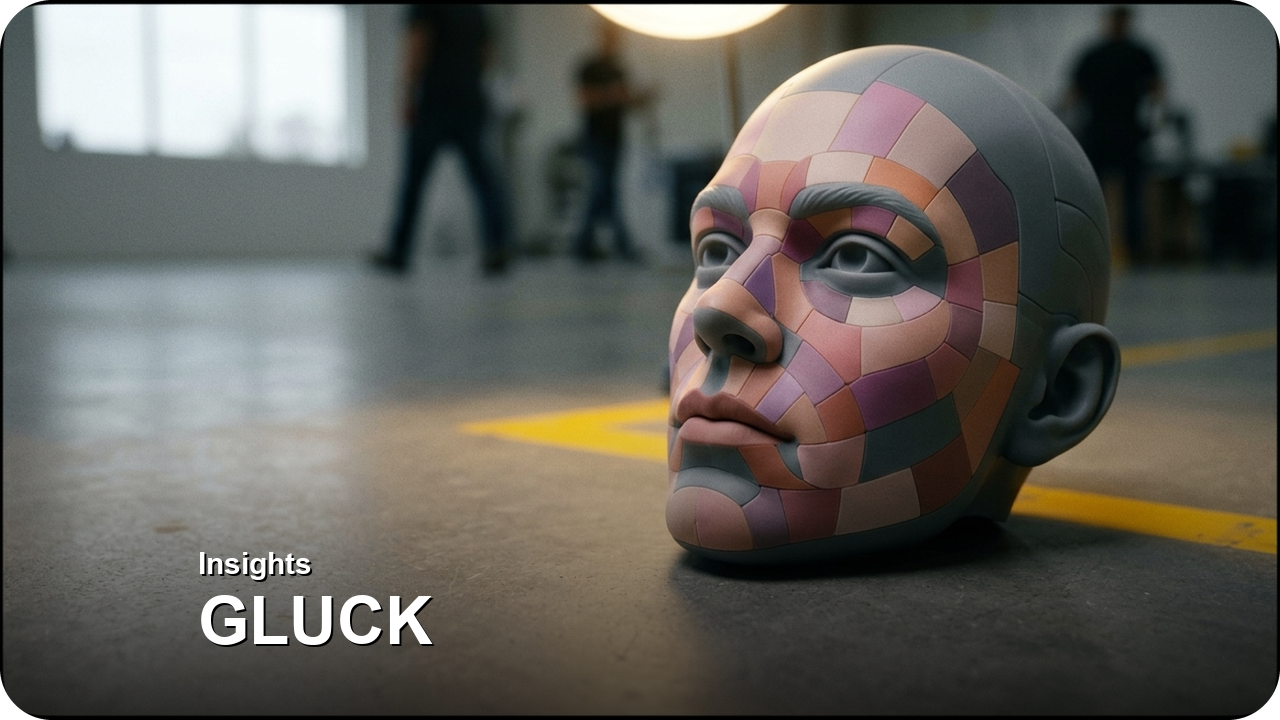
How many character faces does it take to make one animated film? For hand-drawn 2D animation, the number of cels is large, but stop-motion—shooting physical puppets one frame at a time—is a different story. Every expression must be made as a physical part. The American stop-motion studio LAIKA 3D-prints hundreds of thousands of detailed faces for each film.
What matters is that this quantity falls squarely in the realm of mass production. LAIKA recently partnered with the Prague-based software developer Additive Appearance, adding a rendering tool called PrismSlicer to its artists' workflow. The software predicts how color and translucency will look on screen before a part is actually printed. The interesting point is not the novelty of the preview technology itself, but why a studio printing hundreds of thousands of parts invested in "seeing before printing."
Full-color 3D printing has a long-standing headache: the color seen on screen often differs from the printed part, and each mismatch means another print. For a studio printing hundreds of thousands of faces, that rework piles up into production time and quality-assurance costs. So how can the color and surface of 3D-printed objects be predicted and managed before mass production begins? Let's examine this from a manufacturing perspective.
Hundreds of Thousands of Faces: A Color Mismatch Means Another Print
This isn't LAIKA's first time wrestling with color accuracy in full-color printing. For *Missing Link*, the studio combined Stratasys J750 printers with the Fraunhofer Institute's Cuttlefish driver to print more than 106,000 facial expressions. At the time, the team cited the software's color consistency and geometric accuracy as the reason for that choice.
Here the essence of repeat production reveals itself. With one or two parts, you can visually correct the color and remake them if it's off. But when you must print hundreds of thousands to the same standard, every color mismatch multiplies rework by that quantity. Solving this the traditional way meant printing a part, comparing colors, fixing the data, and printing again. The problem is that repeating this several times per face pushes back the entire production schedule.
- Accumulating rework costs: Each color or surface mismatch triggers an additional print, and the larger the quantity, the more this loss snowballs rather than growing linearly.
- Fixing quality standards in advance: Confirming color and texture on screen before production lets you filter out defects upstream rather than discovering them mid-production.
Ultimately it comes down to whether you check color "after printing" or "before printing." This approach applies not only to character faces but to any repeat-production object where color and surface determine product value.
Why "Seeing Before Printing" Is Mass Production Quality Control
PrismSlicer shows a model's color, translucency, and surface feel before output. The key point is that it renders even under LAIKA's custom studio lighting environments, because the same color can look entirely different depending on the lighting. For artists, this means fewer prints and faster feedback to move on to the next task.
Translated into manufacturing terms, this is "pre-production quality control"—fixing color and surface, elements that once required holding the physical part to judge, at the data stage. When Stratasys added Pantone (a color standard system) validation to its PolyJet printers in 2019, it moved in the same direction: letting designers pick colors from a shared palette to narrow the gap between intended and printed color.
The approaches differ slightly. Pantone standardizes color selection against a reference chart, while PrismSlicer renders how a specific model will look once printed. The common thread is clear: the essence of mass production is not "making one well" but "repeating tens of thousands at the same quality," and that requires nailing down color and surface standards before production.
When Repeat-Producing Objects Where Color and Texture Matter: GLUCK's SLA
This challenge of color and surface consistency is equally important in industrial SLA 3D printing. Because SLA produces smooth surfaces with barely visible layer lines, it yields uniform results when applying color and handling texture. GLUCK has applied this characteristic to object production where color and texture determine product value—for example, repeat-producing objects via SLA for museum goods such as the National Museum of Korea and Leeum, where form and finish are themselves the product.
In numbers, GLUCK's industrial SLA achieves up to ±0.05mm precision at 300mm scale and Ra 0.8 surface roughness, with post-processing yielding a finish hard to distinguish from injection-molded parts. GLUCK operates 45 industrial SLA machines around the clock, 365 days a year, producing over 230,000 parts annually. Without molds, you can revise the digital file and reproduce immediately when you want to change color or shape, making it suited to diverse-product repeat production with frequent design changes.
That said, SLA isn't the answer for every quantity. For identical products with fixed color and shape printed in hundreds of thousands or more, building a mold and injection molding wins on per-unit cost. Conversely, for batches of hundreds to thousands with diverse shapes, frequent design changes, and color and texture that drive product appeal, mold-free SLA repeat production becomes a realistic option. The criterion is less the quantity itself and more "how diverse and how often it changes."
Let's return to the opening question. How can the color and surface of 3D-printed objects be predicted and managed before mass production? The answer is "fixing the standard before printing." Just as LAIKA previews color on screen, object production where color and surface matter begins quality control by locking down material and finishing standards before entering production. The segment that carries those standards into repeatable production is exactly the domain GLUCK has worked in.
GLUCK supports the development and mass-production transition of objects where color and surface matter, based on an industrial SLA 3D printing infrastructure capable of repeatable production.
Discover GLUCK now!
📩 GLUCK website & online quote: https://www.glucklab.com
📂 GLUCK portfolio: View the GLUCK portfolio
References
[1] 3D Printing Industry, "LAIKA Adopts PrismSlicer to Preview Full-Color 3D Printed Faces," 3dprintingindustry.com. Link: https://3dprintingindustry.com/news/laika-adopts-prismslicer-to-preview-full-color-3d-printed-faces-255850/
#글룩 #GLUCK #3D프린팅 #산업용3D프린팅 #SLA3D프린팅 #풀컬러3D프린팅 #스톱모션 #LAIKA #양산품질관리 #오브제양산 #굿즈제작 #3DPrinting #SLA3DPrinting #FullColor3DPrinting #AdditiveManufacturing #MassProduction #StopMotion #QualityControl
원문 기사 이미지 출처
'인사이트 (Insights)' 카테고리의 다른 글
| SYZMIK 헤드기어가 받은 5성 안전 등급, 머리 스캔으로 보호장비를 맞춰 만드는 법 (0) | 2026.10.22 |
|---|---|
| 도면이 사라진 선박 프로펠러, 스캔 하나로 60% 빠르게 되살린 방법 (0) | 2026.10.21 |
| 1980년대 벽돌폰을 되살린 3D프린팅 핸드셋, 한정판은 어떻게 만들까 (0) | 2026.10.19 |
| Nothing CMF 스피커, 외장 패널을 사용자가 직접 뽑아 바꾼다 : 교체형 파트가 여는 가전 커스텀 양산 (0) | 2026.10.16 |
| 699달러 SLA 프린터 시대, 레진은 대중화됐지만 '양산'은 왜 여전히 다른 문제일까 (0) | 2026.10.15 |